A brand-new WYSIWYG
Markdown editor, from idea to proposal
Write Markdown the way you write a document: blocks, math, tables and mind maps look final while you type. Shape an idea into a polished plan or proposal with AI to help draft and revise, then export it as a PDF (including PDF/A, accessible PDF and print-ready for Lulu) or an EPUB. Automations keep sections up to date, and you can message Notes from your phone. Your notes stay on your computer.
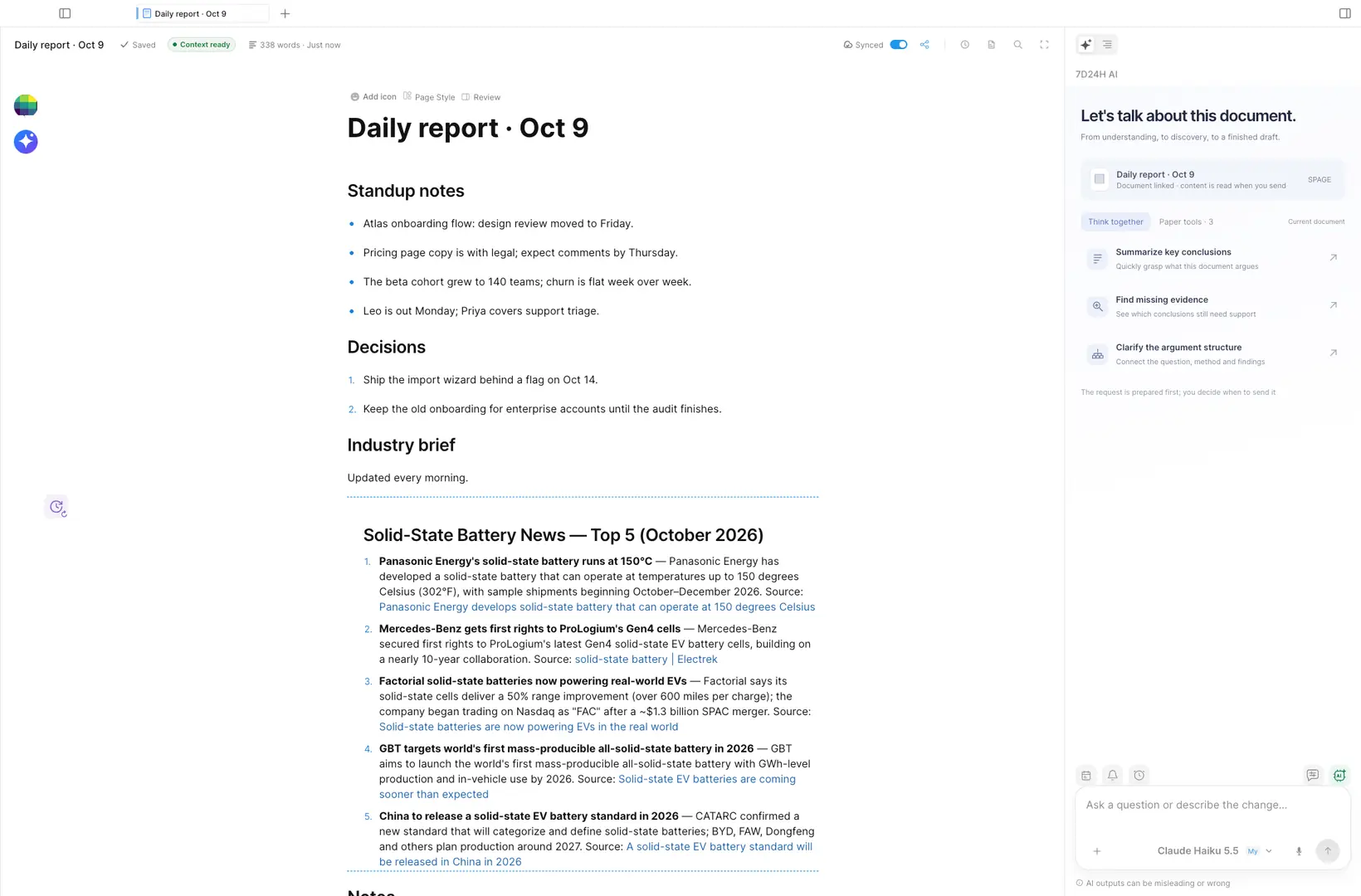
Built around one job
WYSIWYG Markdown editing
Insert any block with a slash; math, tables, callouts and mind maps are edited in place, and each page links to its project.
- Block editing with slash commands
- Math formulas and mind maps
- Export to PDF, PDF/A, accessible PDF, Lulu print and EPUB
Research that updates itself
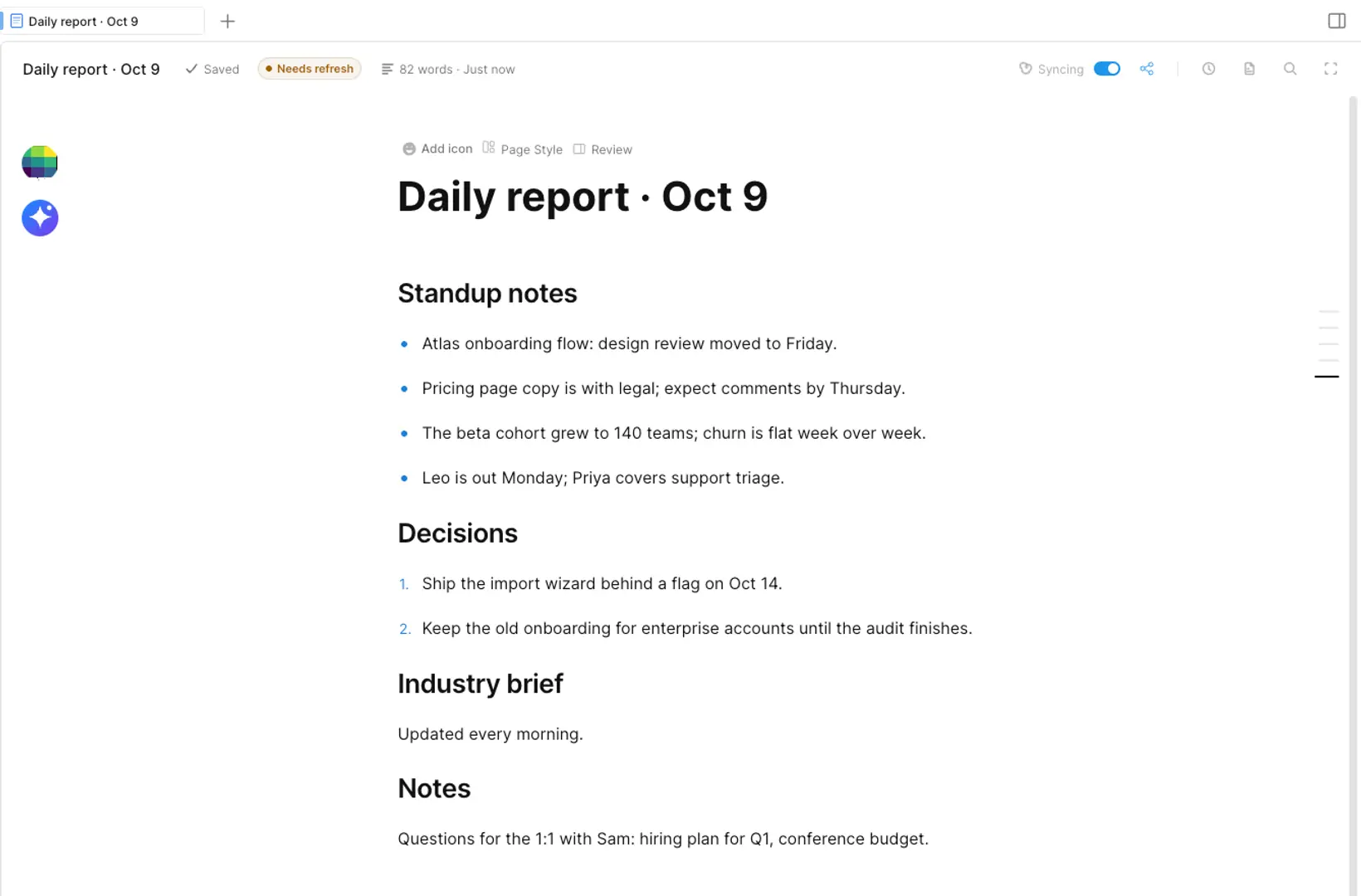
An automation block owns one section of the page and rewrites it on schedule from the sources you allow.
- Runs every morning or on demand
- Only its own section changes, and every item links to its source
- Read-only while it runs; the rest of the page stays yours
Remote and reminders
Message Notes from your phone; it updates the right page and replies.
- Add to-dos and log results from your phone
- Reminders on your phone and desktop
- Ask what's left; it reads your pages
Infinite canvas
Plan on a whiteboard; drop live pages onto it, and ask AI to draw editable diagrams.
AI in the page
Mark a section and Doc Chat edits only that part; see and undo every change.
Cloud sync and collaboration
With the paid add-on: sync across devices and write together in real time.
Three typical scenarios
Daily report
Start from yesterday's notes and send the day's report before you leave.
Lab log
Log results from wherever you are; Notes keeps the table and reminds you.
Launch plan
Plan on the canvas with your pages beside it.
A full run in Notes
Loops · pause any time · jump by chapter.
One account, three apps
Personal Free · $0
Core Notes features for free; bring your own LLM API key for AI.
Personal add-on · pay as you go
Collaboration, cloud sync and mainstream models without a key; one add-on covers all three apps.
Private deployment · custom quote
Deployed on your servers by the official 7D24H team; data stays on your network.